Get the best RVA Connect experience by downloading the mobile app!
Enjoy faster access, smoother navigation, and greater convenience compared to using a mobile browser. Stay connected anytime, anywhere with just a tap.
For Android User :
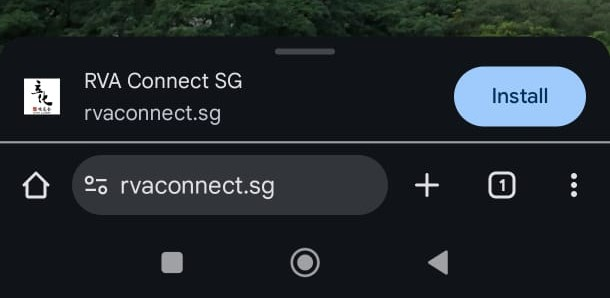
Go to rvaconnect.sg using your mobile browser. Once loaded, you should see a pop up at the bottom prompting you for installation :
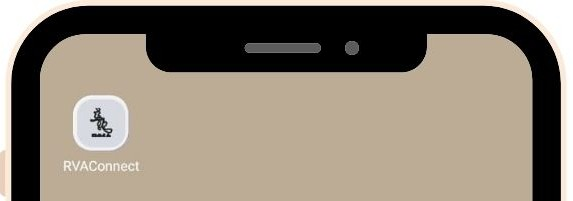
Click on “Install”, and within seconds, check your mobille home screen to see RVA Connect appear as an application !
For IOS User :
Note : at the point of writing, you can only download RVA Connect as a mobile app via mobile safari browser.
Using Safari mobile browser, go to rvaconnect.sg. Once loaded, locate the 3 dots, and click on “share”. There should be an option that shows “Add to home screen”. Click on it and check your mobile home page for the application !